Overview & Workflow Architecture
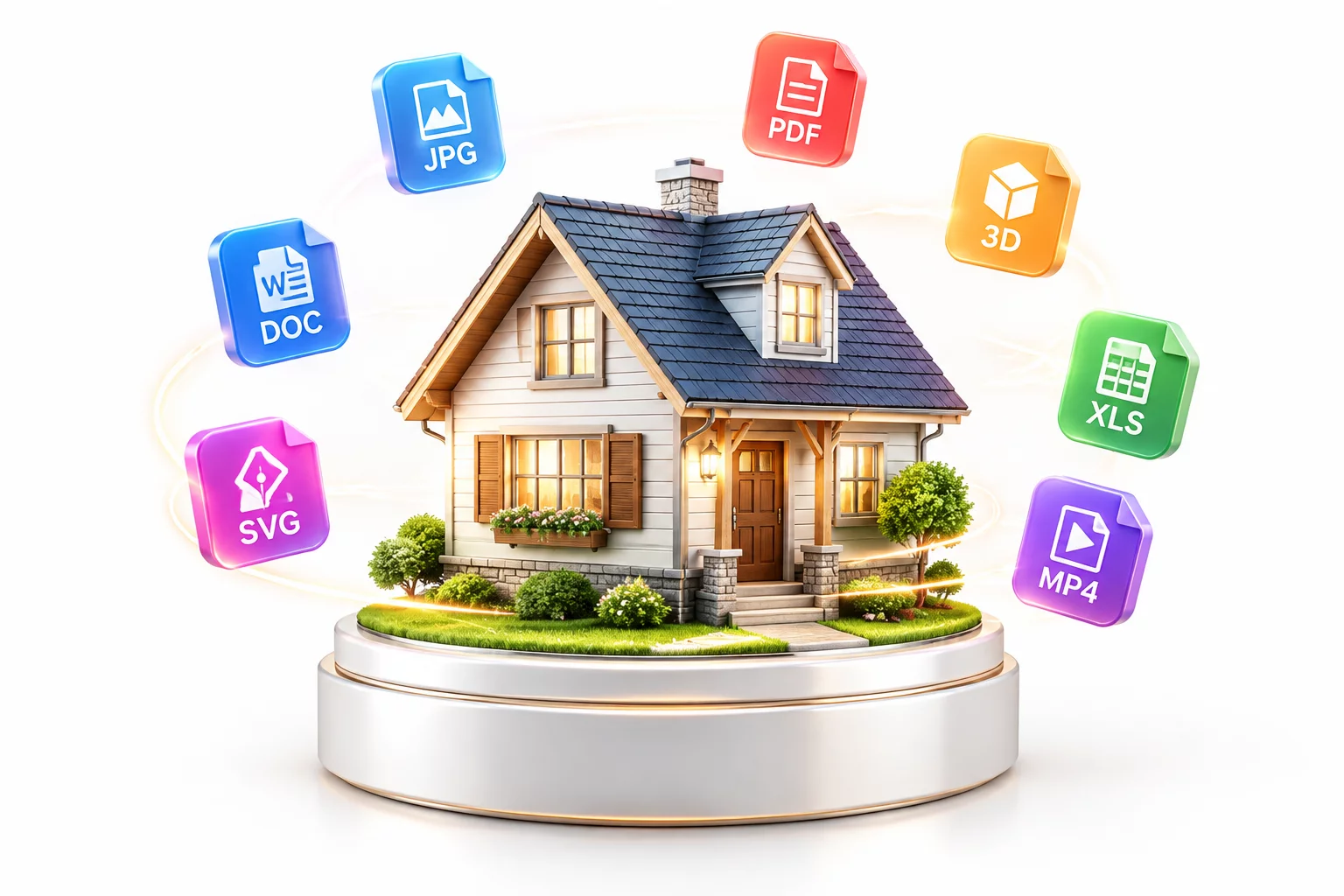
Delivering high-impact interior concepts requires flexible export capabilities that satisfy both non-technical property owners and engineering contractors. Scetchap Info integrates an automated export hub that converts 3D interior models into high-resolution visual renders, synchronized CAD vector blueprints, multi-page PDF presentation boards, and interactive web walkthroughs. With customizable preset management, design professionals can package entire project deliverables in minutes without external file converters.
Key Architectural Principle
Direct raster and vector pipeline synchronization ensures texture fidelity, dimensional accuracy, and lightweight web viewing assets generate reliably without manual re-formatting.
Detailed Step-by-Step Implementation
When presenting interior layouts to clients, visual clarity and multi-device accessibility are paramount. The export engine facilitates batch processing of photorealistic perspectives alongside orthographic floor plans, wall elevations, and dimensional cutaways. Each exported raster asset can be configured with specific post-production passes, including ambient occlusion, reflection maps, and transparent alpha backgrounds.
For technical handoffs and construction coordination, models export cleanly into universal CAD and BIM exchange formats. Layer structures, room annotations, and spatial dimensions remain preserved, eliminating redundant drafting tasks. Furthermore, the built-in web publishing tool produces lightweight interactive 3D links, allowing clients to inspect finished spaces directly on smartphones or tablets without installing dedicated software.
Core Guidelines
- High-resolution raster rendering (up to 8K) with custom aspect ratios, depth passes, and alpha transparency channels.
- Standard CAD and BIM vector exports in DWG, DXF, OBJ, FBX, and IFC formats with layer retention.
- Multi-page architectural presentation sheets exported to vector PDF with embedded scale rulers and title blocks.
- Direct interactive 3D web links and 360-degree panoramic tours optimized for desktop and mobile web browsers.
Pre-configured export recipes allow users to dispatch client review packages, marketing imagery, and technical documentation with a single click. Customizable naming tags and folder routing keep project revisions organized automatically.
Raster outputs support PNG, JPG, and 16-bit TIFF up to 7680x4320 resolution at 300 DPI. 3D geometry export supports polygon quad optimization, PBR texture baking, and coordinate system reorientation.
Can clients view 3D models on mobile devices without installing software? Yes, the exported interactive web links run smoothly inside standard web browsers on iOS and Android devices without requiring extra plugins.
Open the Export Manager from the top navigation bar, choose your desired export preset or individual format type, specify resolution and camera viewpoints, and click Export Project. All configured assets generate simultaneously in your designated output folder.
Standard 2D blueprint and vector PDF exports operate smoothly on everyday hardware. For high-resolution 4K and 8K photorealistic rendering exports, a dedicated graphics card with at least 4 GB to 8 GB of VRAM is recommended for optimal rendering speeds.
Community Discussion
Share insights with architectural modelersNo comments yet. Be the first to leave a comment on this feature.
Leave a Comment or Question